How To Create List From Hot Stuff
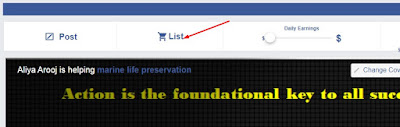
How To Create List From Hot Stuff Open this trending link http://www.empowr.com/Provide/HotStuff.aspx?source=dashboardtab&_ga=2.41953318.246891792.1530755175-386817400.1530755175 Click on products to get the list Choose a product which you want to list After clicking on List it, a small window will open as Here you have to choose it for sell and set it on auction Reserve price on your choice what you want. Click on save. Here you will see as Here is the most important point. You have to check item description because of the description in hot stuff mostly incomplete, wrong or expired date. To make correct it, click here as After clicking here, you can see the full description of the product as You can see here, the expiry date is wrong. Edit to change the date and click on save. Click on continue, again a new small window open Mark on Terms and conditions and sell it now Click on save ...


0 Comments